|
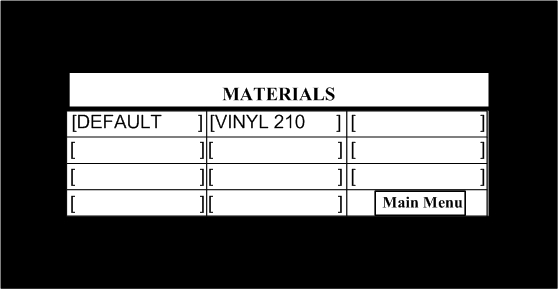
Materials Menu. This screen allow you to access the Materials index as well as return to Main Menu.
DEFAULT is a temporary parameter listing. Use DEFAULT when testing or for a quick seal of a material not typically used.
In addition to DEFAULT material setting, you have access to 10 materials. To define a new material or rename a material, simply touch the screen where there is a blank. To modify an existing material, simply touch the screen where the existing material is shown.
For example, touch the screen or point your mouse on “Vinyl 210.”
|